

Drag-and-drop single or bulk uploads
AI & content
GalleryOne media library for your whole store
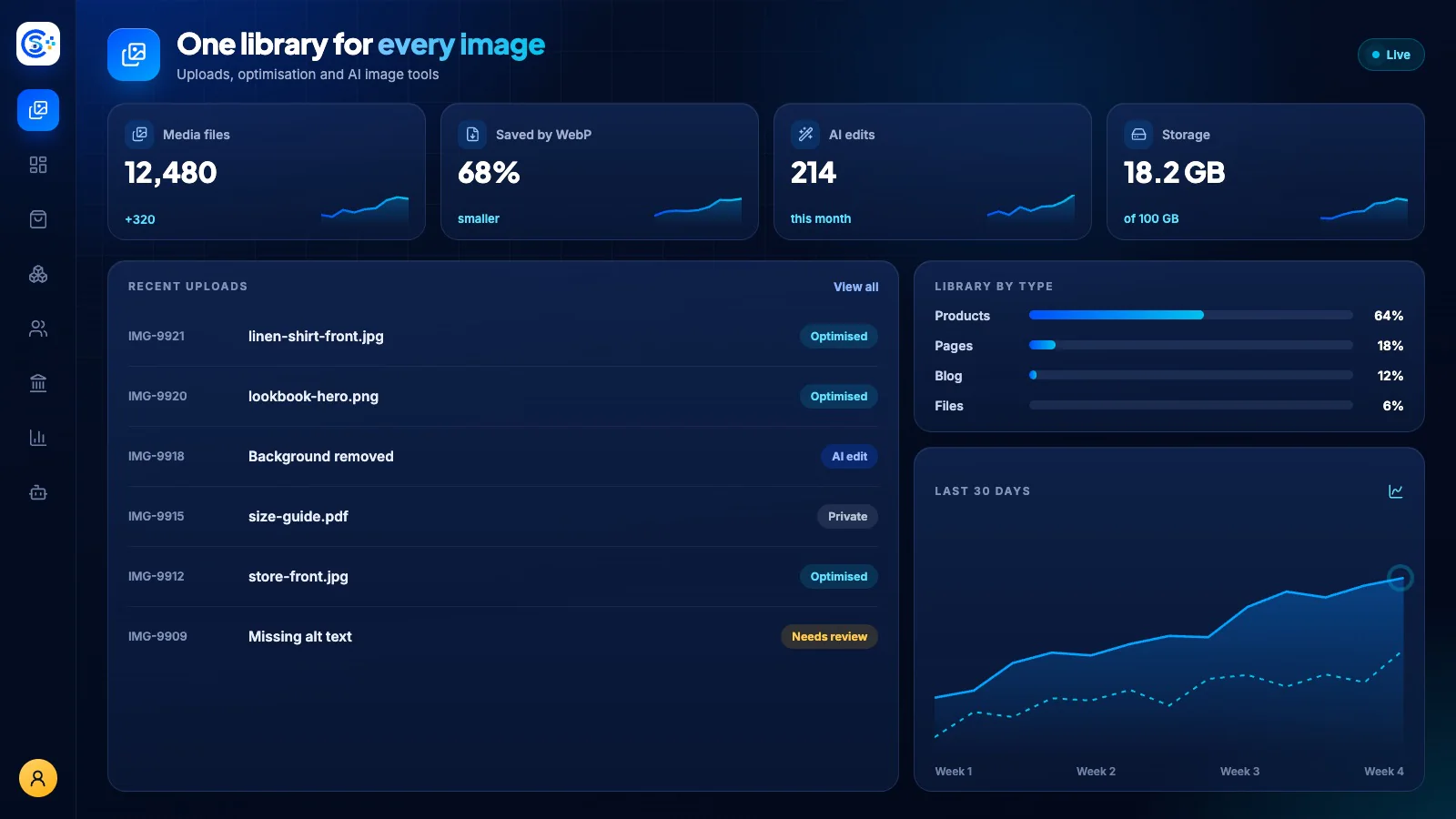
Gallery is your central home for every image and file, with drag-and-drop uploads, automatic optimization and reusable media across products, blog posts and forms. Generate or improve product images with AI from a text prompt, and keep private files secure behind access controls.
Bahagi ng isang modular na platformIncluded free with every planIsang database · isang login · walang paulit-ulit na pag-type
Why it matters
AI only helps when it sees live data and respects who is asking.
Store Console AI works from your current records, follows each person’s permissions and asks for approval before it changes anything.
Ano ang makukuha mo
Kakayahang Gallery para sa iyong workflow.
Automatic image optimization and thumbnails
AI image generation from a prompt
Improve product photos with AI
Reuse media across every module
Secure private files with access controls
Paano ito gumagana
Gallery, sunod-sunod.
Upload
Drag in one file or hundreds at once.
Optimize
Images are compressed and resized automatically.
Create with AI
Generate images from a prompt or improve product photos.
Reuse and protect
Use the same media across every module, and keep private files behind access controls.
Sa admin
Tingnan ang Gallery sa admin ng Store Console.
Magsimula sa kailangan mo
Patakbuhin ang Gallery sa sarili mong server.
Magsimula sa module na ito, idagdag ang mga kalapit nito kapag kailangan mo, at panatilihin ang lahat ng record sa sarili mong server.