

कूपन: प्रतिशत छूट, फिक्स्ड रकम, एक खरीदें एक मुफ़्त और मुफ़्त शिपिंग
कॉमर्स
MarketingSales बढ़ाने वाले coupons, promotions और campaigns
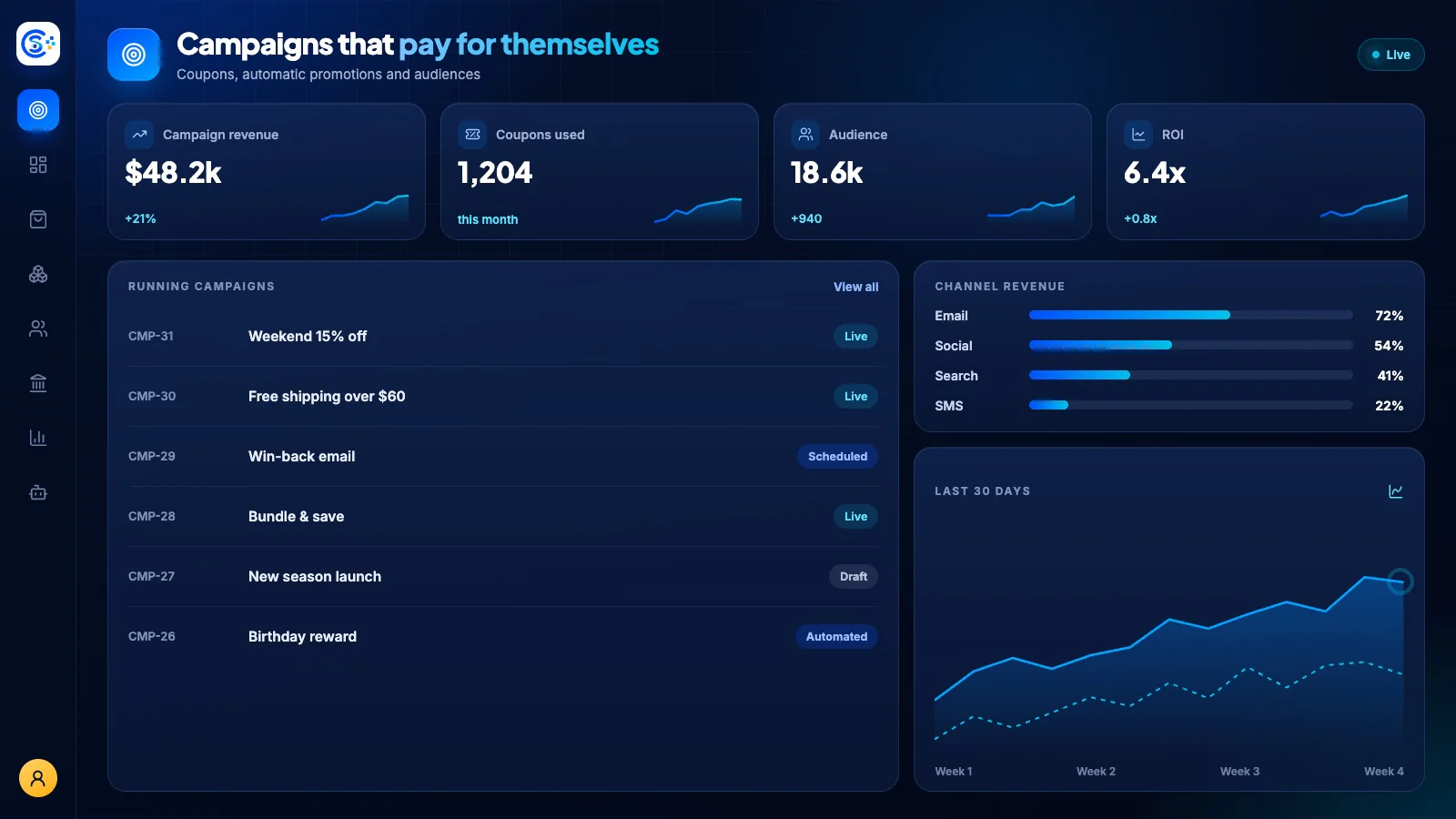
Web, app और POS channels पर coupons, automatic promotions और तय बजट वाले campaigns चलाएँ, साथ में smart audience targeting। देखें कि कौन-से offers असल में revenue ला रहे हैं, और AI से campaigns और discounts के drafts तैयार करवाएँ।
एक modular platform का हिस्साऑनलाइन बेचें — storefront, payments और operationsएक database · एक login · दोबारा typing नहीं
यह क्यों ज़रूरी है
जब product, price, inventory और delivery अलग-अलग tools में रहें, तो बिक्री टूट जाती है।
Store Console इन सबको एक ही record में रखता है, इसलिए customer को जो price दिखती है, वही देनी पड़ती है। हर order बिना दोबारा data टाइप किए inventory और delivery तक पहुँचता है।
आपको क्या मिलता है
आपके काम के लिए Marketing की सुविधाएँ।
अपने आप चलने वाले flash sales और seasonal promotions
Segment, location या new users को target करें
AI campaigns और coupon offers के drafts बनाता है
Revenue attribution और usage reports
Multi-step customer journeys, पूरी तरह automated
यह कैसे काम करता है
Marketing, कदम-दर-कदम।
Offer बनाएँ
Web, app और POS के लिए coupons, flash sales, BOGO और free shipping वाले promotions बनाएँ।
सही लोगों को target करें
हर ऑफर का अलग target रखें—किसी सेगमेंट, लोकेशन या पहली बार खरीदने वालों के लिए।
AI से ड्राफ्ट बनवाएँ
AI कैंपेन और डिस्काउंट लेवल का सुझाव देता है—लाइव करने से पहले आप उन्हें बदल सकते हैं।
रिटर्न मापें
देखें कि किस ऑफर से कमाई हुई, और ऐसे multi-step journeys चलाएँ जो अपने आप follow-up करते हैं।
Admin में
Store Console admin में Marketing देखें।
जो चाहिए, उसी से शुरू करें
Marketing अपने server पर चलाएँ।
इसी module से शुरू करें, ज़रूरत पड़ने पर आसपास के modules जोड़ें, और हर record अपने server पर रखें।