

Email, in-app, push and real-time delivery
Platform services
NotificationsReach everyone on every channel instantly
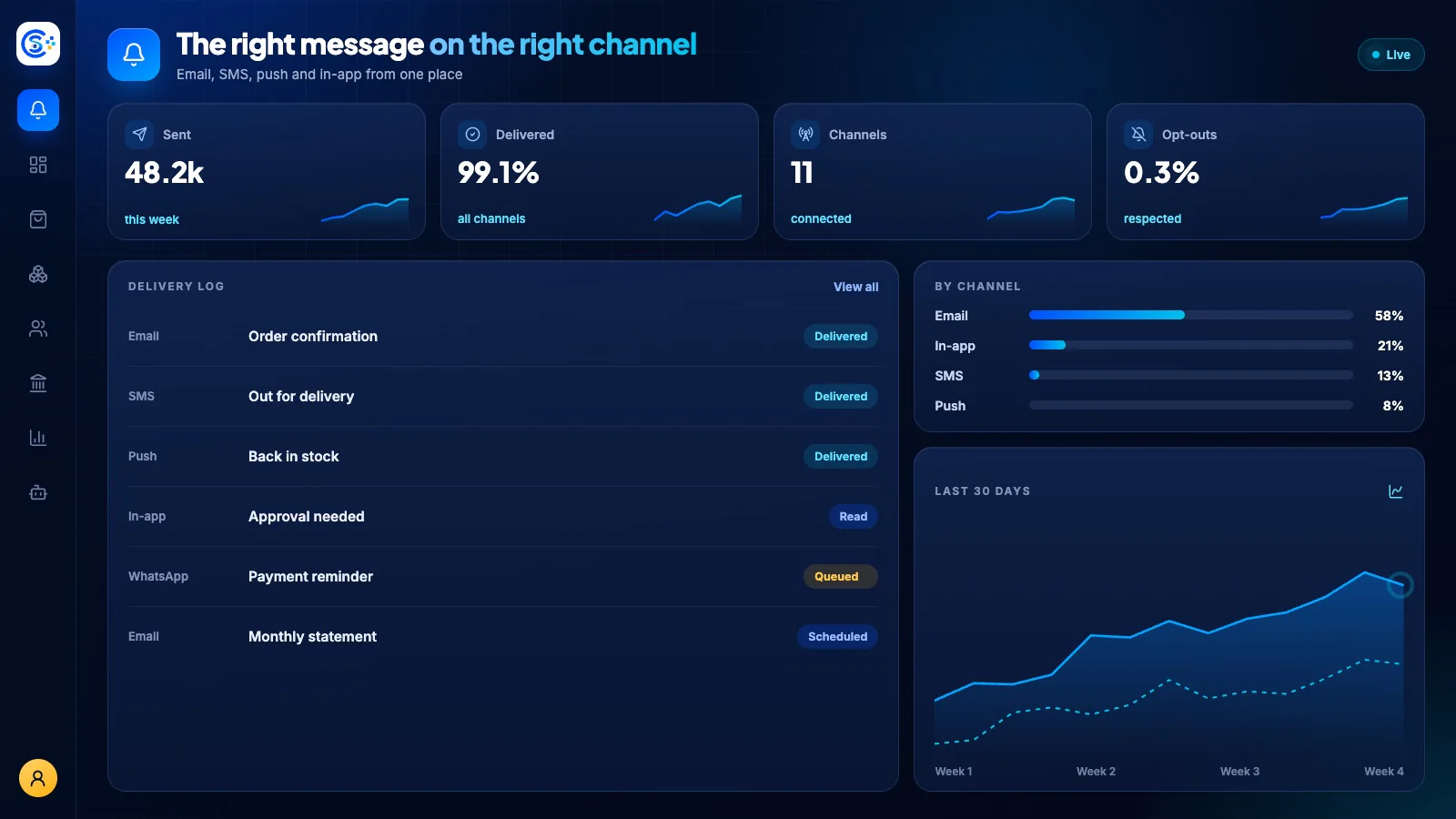
A single hub that keeps customers and staff informed across email, in-app alerts, real-time updates and browser push. It automatically reacts to orders, payments, stock and deliveries so the right people get notified the moment something happens.
Part of one modular platformSign-in, roles, licenses, menus and backupsOne database · one login · no re-typing
Why it matters
A business system is only as safe as its sign-in, roles and backups.
These platform services handle access, licenses, menus, notifications and verified backups for every module, so the business modules stay focused on the work.
What you get
Notifications capabilities for your workflow.
Real-time unread badges and alerts
Per-user channel and topic preferences
Automatic alerts for orders and payments
Low-stock and delivery notifications
Notification center with read and delete
How it works
Notifications, step by step.
Trigger
Orders, payments, low stock and deliveries raise alerts automatically.
Deliver
Messages go out by email, in-app, push and live updates.
Respect choices
Each person picks their own channels and topics.
Catch up
A notification center shows unread badges, with read and delete.
In the admin
See Notifications in the Store Console admin.
Start with what you need
Run Notifications on your own server.
Start with this module, add the ones around it when you need them, and keep every record on your own server.