

Connect multiple gateways and currencies
Commerce
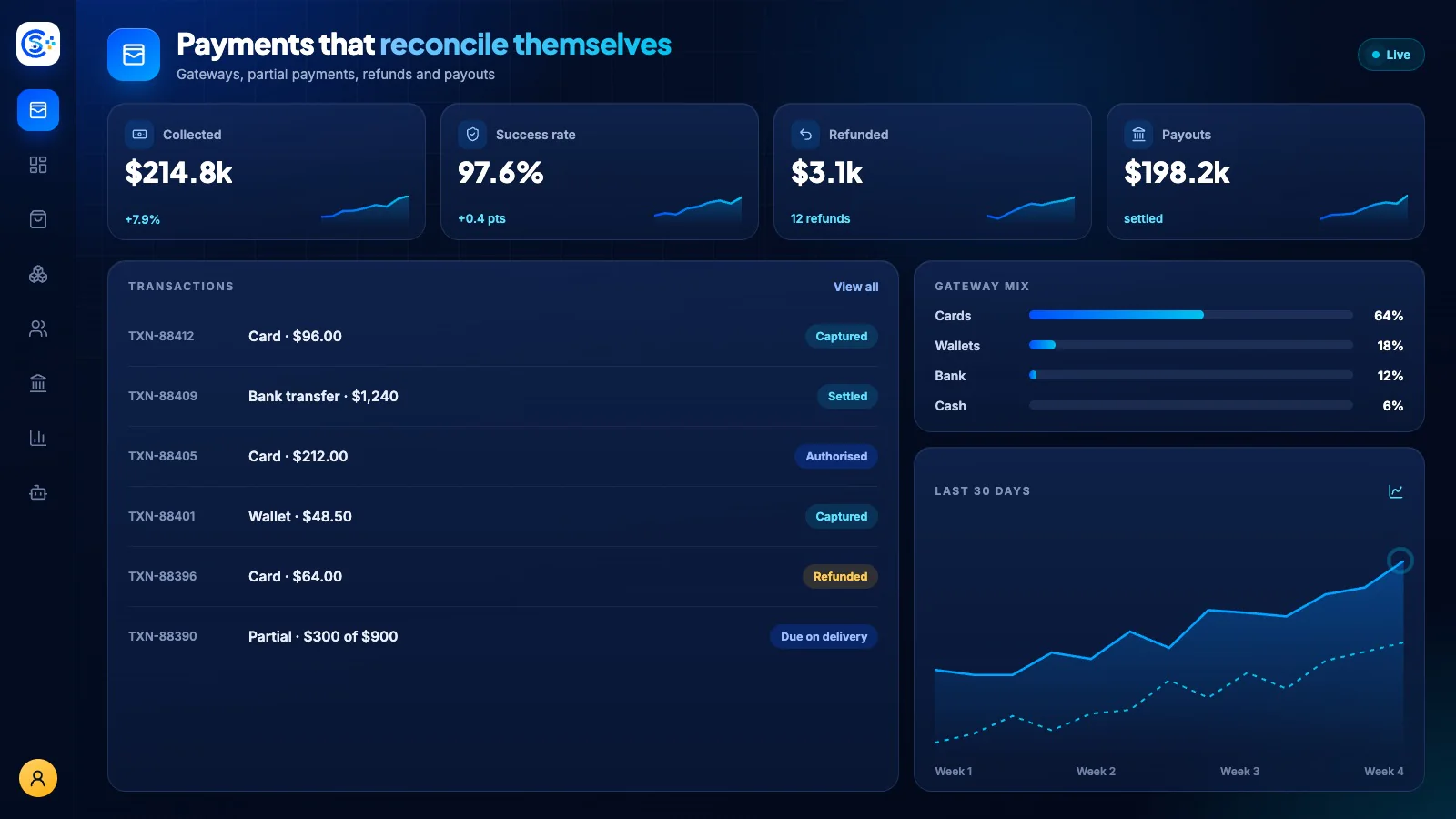
PaymentsTrack payments and refunds across supported gateways
Connect supported gateways and track payments, refunds and settlement records. Review payment status and risk signals alongside the order; gateway features and supported methods depend on your provider.
Part of one modular platformSell online — storefront, payments and operationsOne database · one login · no re-typing
Why it matters
Sales slip when product, price, stock and delivery live in different tools.
Store Console keeps them on one record, so the price a shopper sees is the price they pay, and every order reaches stock and delivery without re-typing.
What you get
Payments capabilities for your workflow.
Review payment risk signals and fraud controls
Process refunds and chargeback disputes
Reconcile gateway settlements
Save customer cards for faster checkout
Revenue dashboards and CSV reports
How it works
Payments, step by step.
Connect gateways
Add the payment gateways and currencies you sell in, plus cash on delivery.
Review payment risk
Use the available risk checks and gateway controls to review unusual payment activity.
Refunds and disputes
Refund in full or in part, and track chargebacks from the order itself.
Reconcile and report
Match gateway settlements to orders and see revenue by gateway, day and currency.
In the admin
See Payments in the Store Console admin.
Start with what you need
Run Payments on your own server.
Start with this module, add the ones around it when you need them, and keep every record on your own server.