

Bookable staff, rooms and equipment
Commerce
BookingTake appointments around the clock
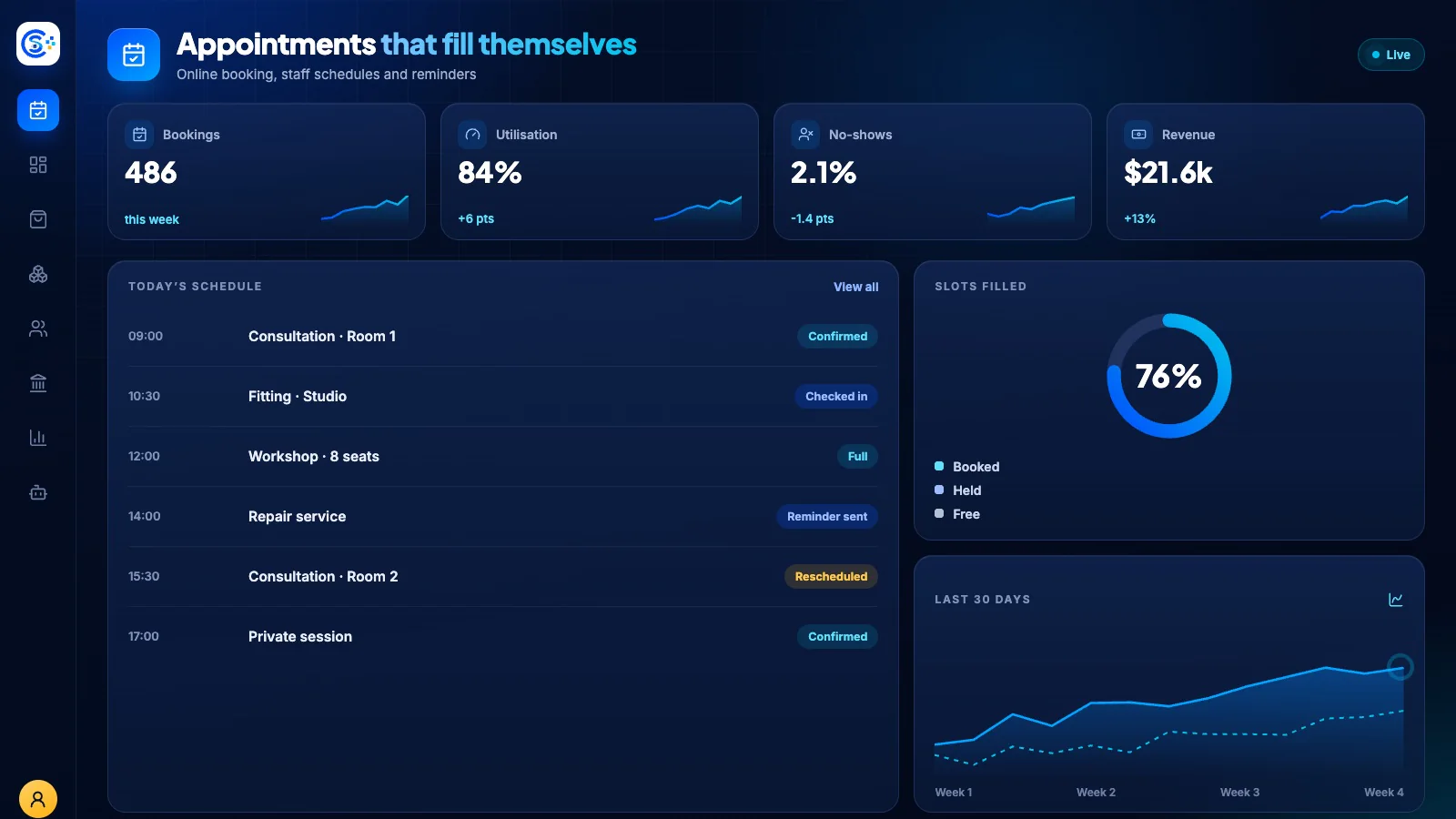
Booking turns any service, room or piece of equipment into something customers can reserve themselves, with your real opening hours, capacity and lead times respected. Confirmations and reminders go out on their own, and every reservation lands in the same order and calendar you already work from.
Part of one modular platformSell online — storefront, payments and operationsOne database · one login · no re-typing
Why it matters
Sales slip when product, price, stock and delivery live in different tools.
Store Console keeps them on one record, so the price a shopper sees is the price they pay, and every order reaches stock and delivery without re-typing.
What you get
Booking capabilities for your workflow.
Time slots, day passes and multi-day stays
Business hours, breaks and holidays
Capacity limits and overbooking control
Automatic confirmations and reminders
Customer self-service reschedule and cancel
How it works
Booking, step by step.
Set availability
Add staff, rooms or equipment with business hours, breaks and holidays.
Customers book
Shoppers pick a time slot, day pass or multi-day stay within your capacity limits.
Confirm and remind
Confirmations and reminders go out automatically.
Change without a call
Customers reschedule or cancel themselves, and every booking lands in your orders and calendar.
In the admin
See Booking in the Store Console admin.
Start with what you need
Run Booking on your own server.
Start with this module, add the ones around it when you need them, and keep every record on your own server.