

One checkout pipeline across every sales channel
Commerce
CheckoutOne checkout for every sales channel
Checkout orchestrates the atomic transition from cart to order across storefront, POS, API, admin and AI channels. It verifies the pricing fingerprint, reserves every allocation, creates the order and rolls back cleanly if any downstream step fails.
Part of one modular platformSell online — storefront, payments and operationsOne database · one login · no re-typing
Why it matters
Sales slip when product, price, stock and delivery live in different tools.
Store Console keeps them on one record, so the price a shopper sees is the price they pay, and every order reaches stock and delivery without re-typing.
What you get
Checkout capabilities for your workflow.
Server-side pricing fingerprint verification
Atomic wallet, coupon, loyalty and gift-card reservations
Idempotent requests prevent duplicate orders
Compensating rollback releases every failed allocation
Auditable session and pipeline-step history
How it works
Checkout, step by step.
One path for every channel
Storefront, POS, admin, API and AI orders all pass through the same checkout.
Verify the price
The server checks every price, discount and tax again before the order is created.
Reserve it all at once
Stock, wallet, coupon, points and gift-card amounts are reserved together, so nothing is sold twice.
Create or roll back
The order is created once, and if any step fails every reservation is released automatically.
In the admin
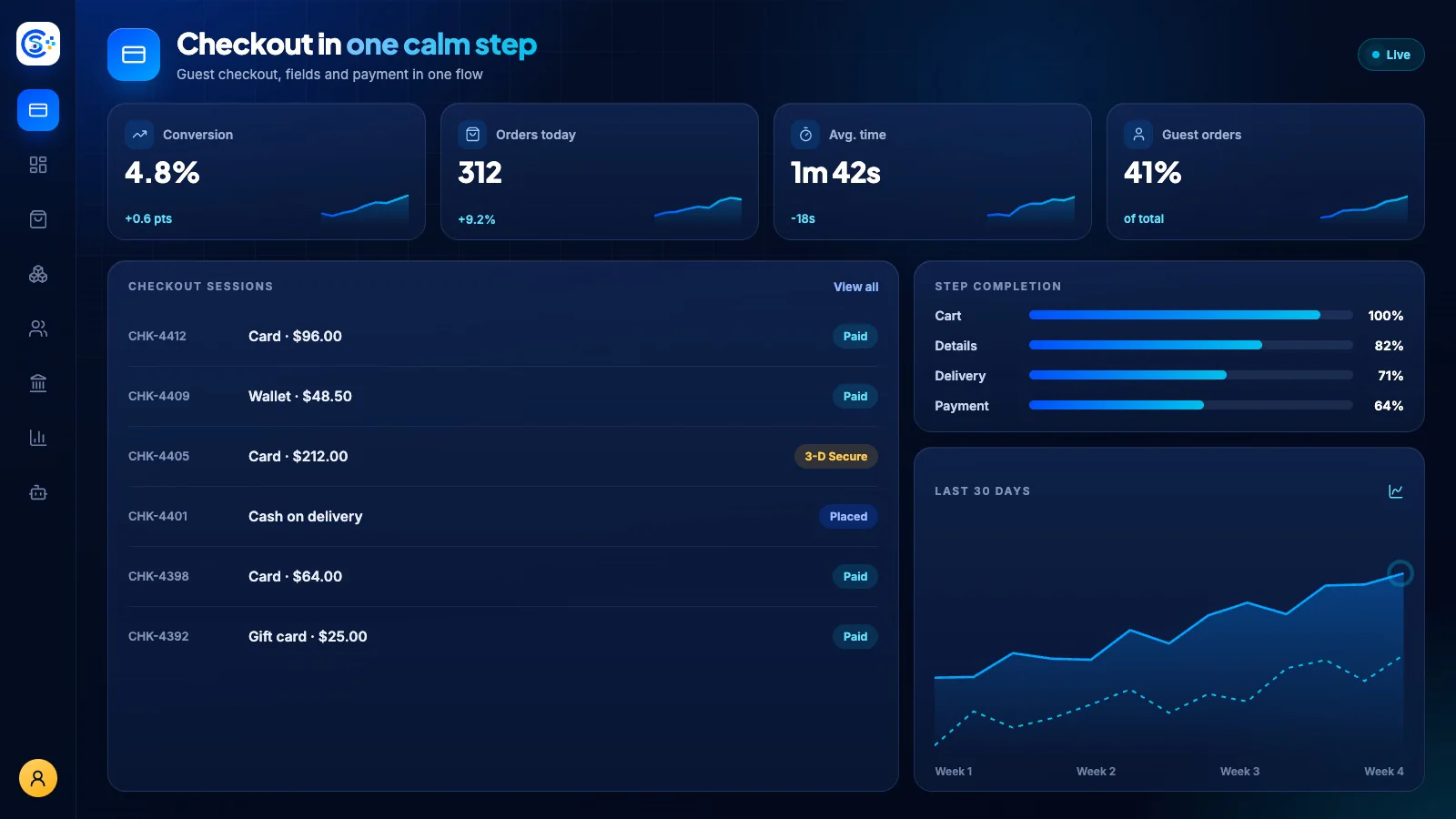
See Checkout in the Store Console admin.
Start with what you need
Run Checkout on your own server.
Start with this module, add the ones around it when you need them, and keep every record on your own server.