

Real-time stock across all warehouses
Commerce
InventoryMulti-warehouse stock control you can trust
Track available stock, reservations and movements across warehouses. Receive goods, transfer items, record adjustments and review stock history. Purchasing and accounting workflows use their connected modules.
Part of one modular platformSell online — storefront, payments and operationsOne database · one login · no re-typing
Why it matters
Sales slip when product, price, stock and delivery live in different tools.
Store Console keeps them on one record, so the price a shopper sees is the price they pay, and every order reaches stock and delivery without re-typing.
What you get
Inventory capabilities for your workflow.
Low-stock alerts and reorder suggestions
Purchase orders and goods receipt
Warehouse-to-warehouse transfers
Reason-coded adjustments and cycle counts
Barcode lookup and batch expiry
How it works
Inventory, step by step.
Track every warehouse
See live stock by warehouse, updated by every sale, return and goods receipt.
Reorder in time
Low-stock alerts and reorder suggestions tell you what to buy before it runs out.
Move and count
Transfer stock between warehouses and run cycle counts with reason-coded adjustments.
Trace batches
Barcodes, batches and expiry dates keep every unit traceable from receipt to sale.
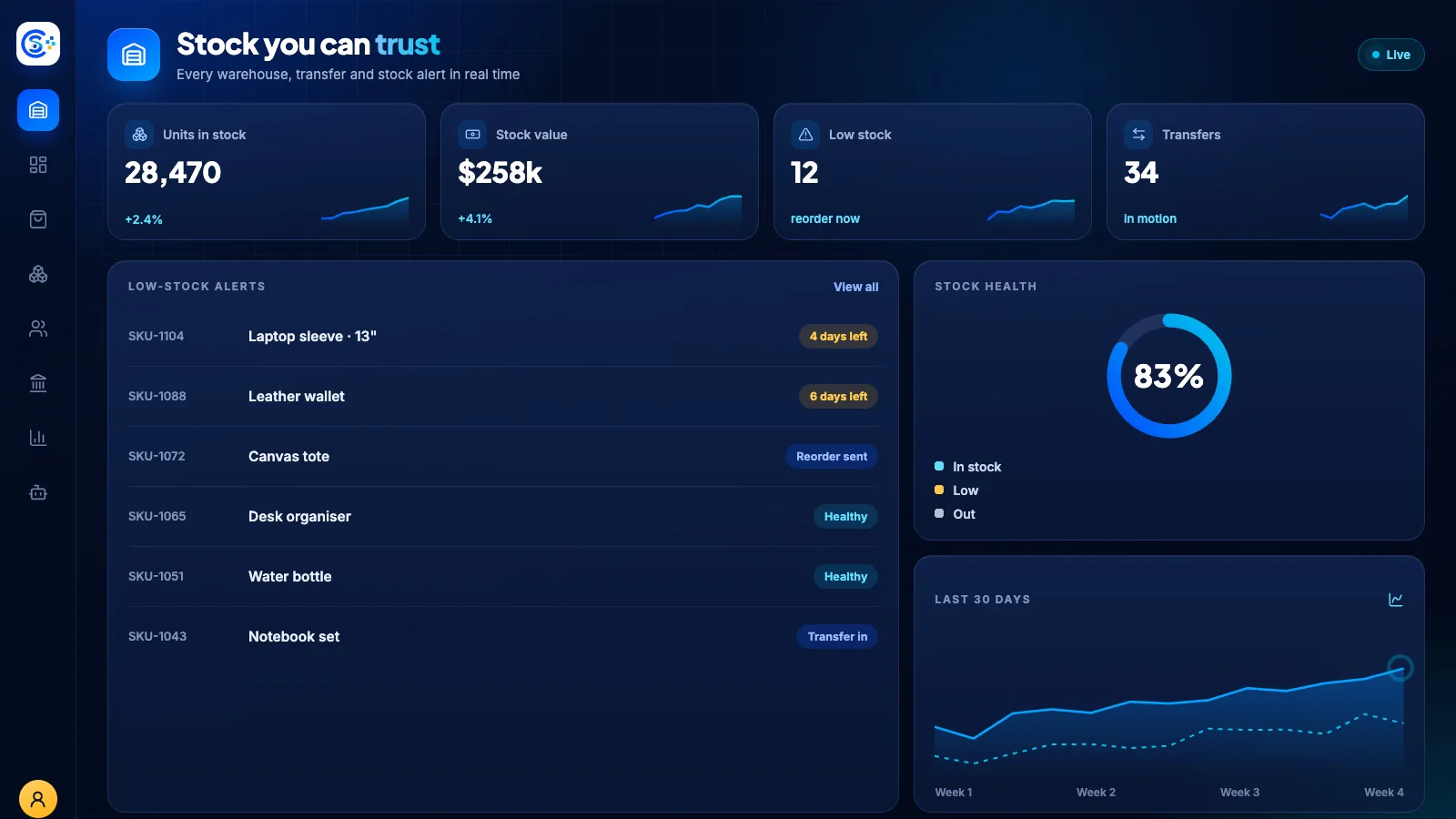
In the admin
See Inventory in the Store Console admin.
Start with what you need
Run Inventory on your own server.
Start with this module, add the ones around it when you need them, and keep every record on your own server.