

Scan or search products instantly
Commerce
POSRing up sales fast, even offline
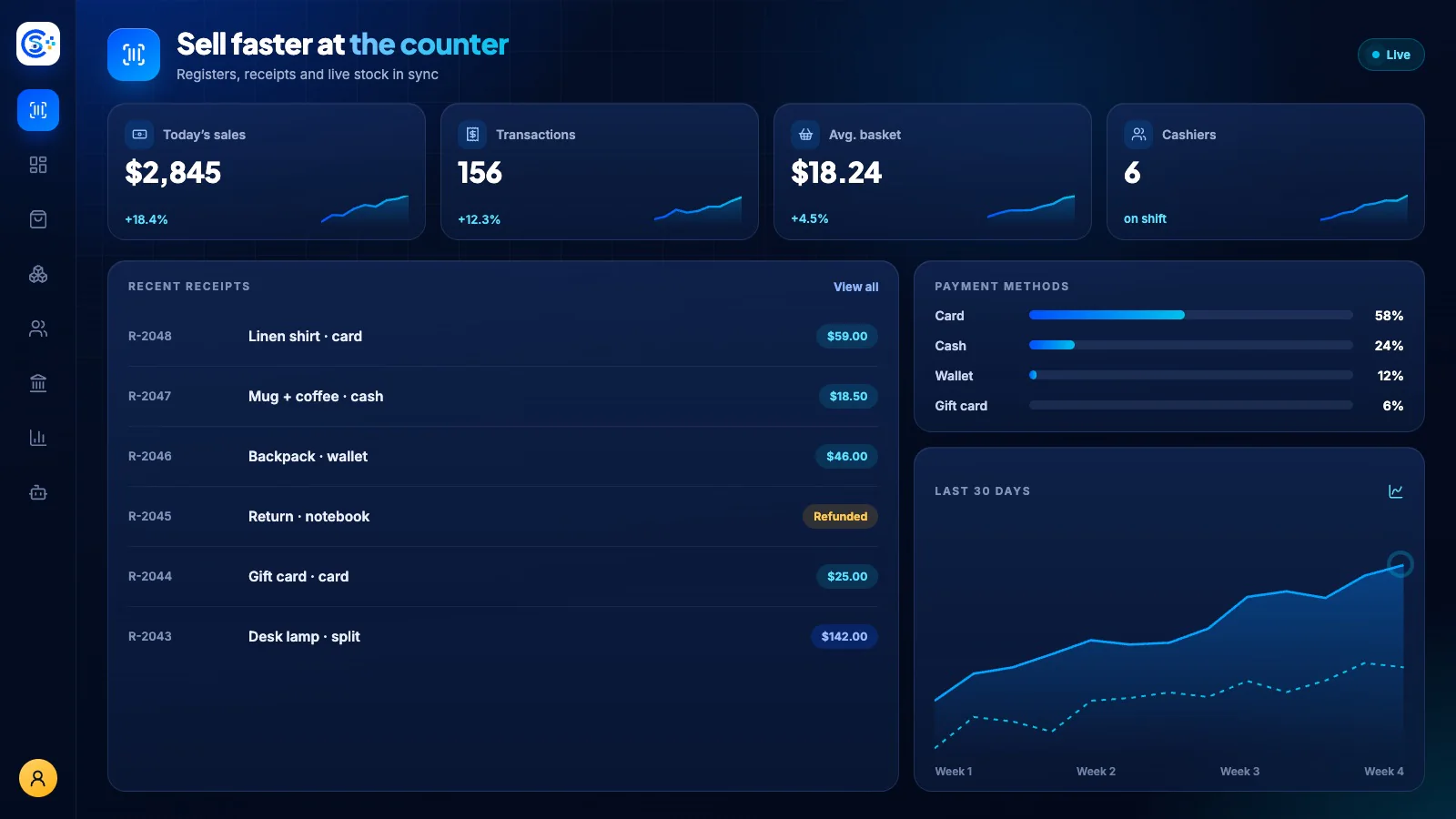
Run counter sales with product lookup, receipts and cashier shifts. Record payments and returns, then connect the result to inventory and accounting. Offline behavior depends on the configured terminal and supported payment method.
Part of one modular platformSell online — storefront, payments and operationsOne database · one login · no re-typing
Why it matters
Sales slip when product, price, stock and delivery live in different tools.
Store Console keeps them on one record, so the price a shopper sees is the price they pay, and every order reaches stock and delivery without re-typing.
What you get
POS capabilities for your workflow.
Take cash, card, mobile, wallet
Offline sales with sync when the connection returns
Open and reconcile cash shifts
Process returns, voids and refunds
Flag fraud and view sales reports
How it works
POS, step by step.
Ring up the sale
Scan or search products and take cash, card, mobile or wallet payments.
Keep selling offline
If the internet drops, the register keeps working and syncs when the connection returns.
Close the shift
Open and reconcile cash drawers per cashier, with returns and voids on record.
Sync stock and books
Every sale updates stock and posts to accounting, and unusual activity is flagged.
In the admin
See POS in the Store Console admin.
Start with what you need
Run POS on your own server.
Start with this module, add the ones around it when you need them, and keep every record on your own server.