

Users, roles and permission resolution
Platform services
Platform KitIdentity, permissions and shared operating contracts
Platform Kit supplies the small shared core every module relies on: users, roles, permissions, settings, business context and stable platform contracts. It keeps independent modules coherent without absorbing their domain logic.
Onderdeel van één modulaire platformSign-in, roles, licenses, menus and backupsEén database · één login · geen opnieuw typen
Why it matters
A business system is only as safe as its sign-in, roles and backups.
These platform services handle access, licenses, menus, notifications and verified backups for every module, so the business modules stay focused on the work.
Wat u krijgt
Platform Kit-functies voor uw workflow.
Global settings and business context
Shared admin shell and navigation contracts
Module registry and activation state
Security and authentication foundations
Stable primitives for independent modules
Hoe het werkt
Platform Kit, stap voor stap.
Sign in securely
Staff sign in with two-factor authentication or passkeys.
Assign roles
Roles and permissions decide what each person can see and do.
Set up the business
Global settings hold your business details, currencies and languages.
Switch on modules
The module registry turns modules on or off without touching the core.
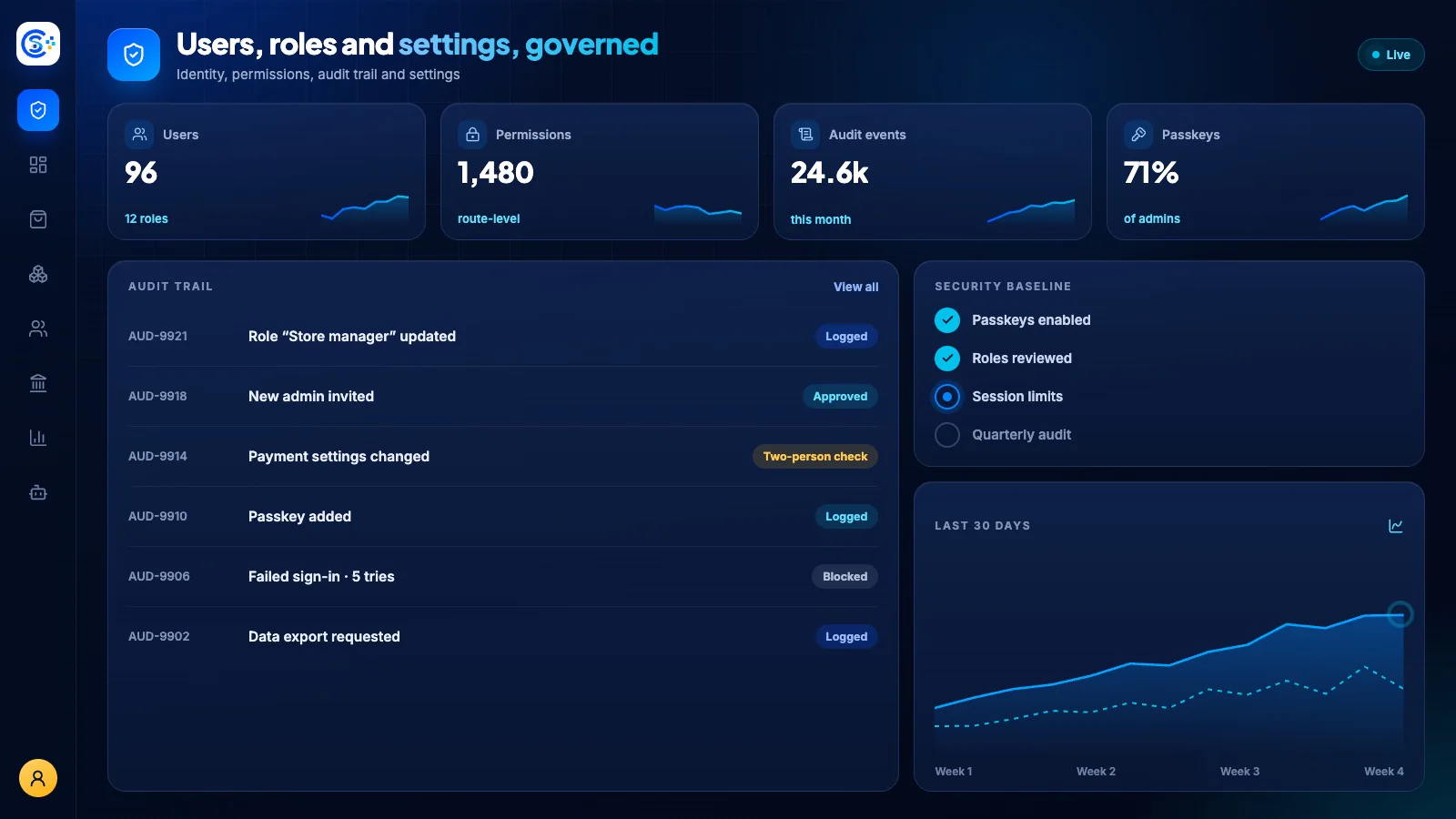
In de admin
Bekijk Platform Kit in de admin van Store Console.
Begin met wat u nodig hebt
Voer Platform Kit uit op uw eigen server.
Begin met deze module en voeg de omliggende modules toe wanneer u ze nodig hebt. Houd alle gegevens op uw eigen server.