

Multi-level BOMs with versions, phantoms and alternates
ERP & business
ManufacturingPlan production and understand the cost of each batch
Plan production, manage materials and follow work orders through quality checks and costing. Start with a workshop workflow, then explore BOM versions, MRP, capacity scheduling, lot traceability and the advanced quality tools your operation needs.
Modüler bir platformun parçasıRun the back office — finance, people and workTek veritabanı · tek oturum · yeniden veri girişi yok
Why it matters
The back office slows down when every department keeps its own numbers.
Sales, stock, finance and people share one database here, so an order, a payslip and a purchase order all reach the same books without exports or overnight syncs.
Neler elde edersiniz
İş akışınız için Manufacturing özellikleri.
MRP netting runs and a drag-and-drop APS capacity board with an optimizer
Shop-floor work orders, shifts, downtime, OEE and maintenance (calendar + meter-based)
Quality suite: SPC control charts, AQL sampling, COA, NCMR/CAPA and ANOVA Gauge R&R
Lot genealogy, recall records, e-signatures and compliance-support records
PLM with ECO workflow and in-browser 3D CAD/STEP viewer, plus FIFO/weighted/standard costing posted to Accounting
Nasıl çalışır
Manufacturing, adım adım.
Plan
Multi-level BOMs and MRP turn sales demand into planned production.
Schedule
Drag work orders onto a finite-capacity board that respects machines and shifts.
Make and inspect
The shop floor records output, downtime and OEE, and quality checks run before release.
Trace and cost
Lot genealogy traces every batch, and FIFO, weighted or standard cost posts to accounting.
Yönetim panelinde
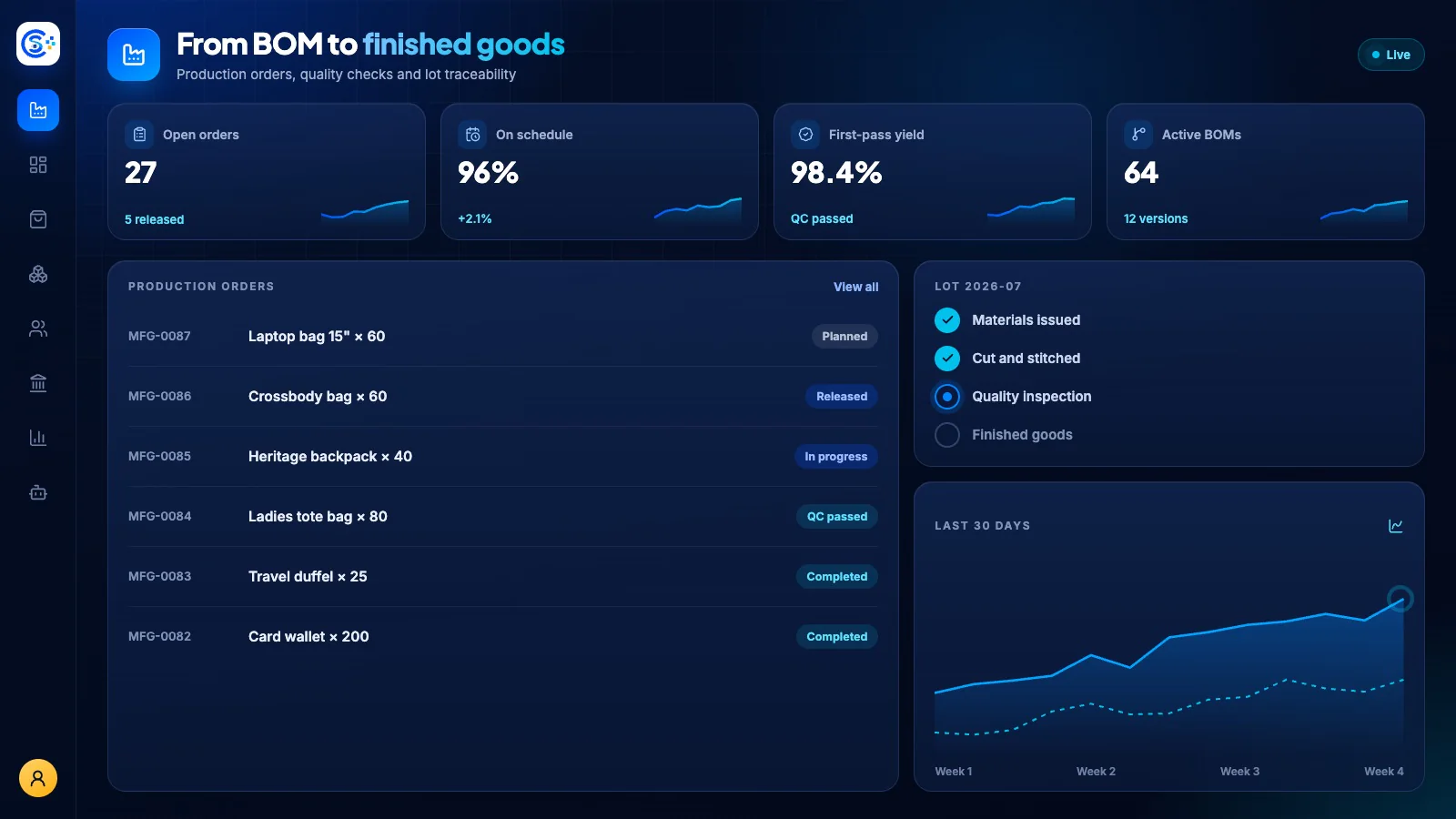
Manufacturing özelliğini Store Console yönetim panelinde görün.
İhtiyacınıza göre başlayın
Manufacturing özelliğini kendi sunucunuzda çalıştırın.
Bu modülle başlayın, ihtiyaç duyduğunuzda çevresindeki modülleri ekleyin ve tüm kayıtlarınızı kendi sunucunuzda tutun.